
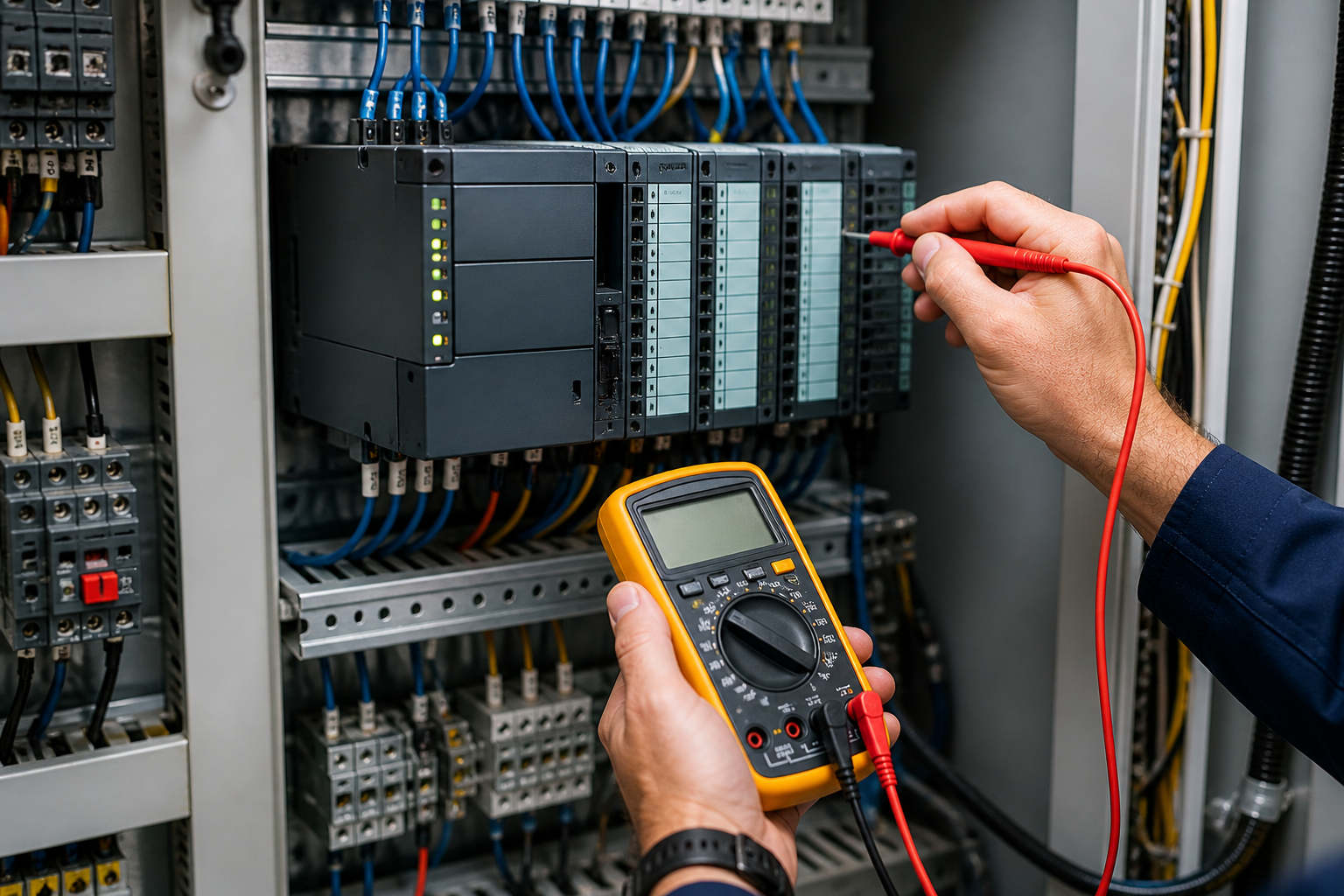
Programmable Logic Controllers (PLCs) are the backbone of modern industrial automation. When they stop working properly, the result is often unexpected downtime, lost production, and mounting maintenance costs. A structured approach to PLC troubleshooting helps maintenance teams identify problems quickly and determine whether an issue can be corrected in-house or requires professional repair.
This guide outlines the most common PLC issues found in industrial environments and practical steps for diagnosing them.
Effective PLC troubleshooting starts with identifying whether the issue is related to:
Separating symptoms from root causes helps prevent unnecessary replacements and reduces downtime.
One of the most frequent PLC failures begins with unstable or interrupted power.
Check incoming voltage levels and confirm they match the controller’s specifications. Inspect terminal connections for looseness and verify that protective devices such as fuses and breakers are functioning correctly.
If power appears stable but issues persist, the internal power supply module may be failing.
Many automation systems depend on communication between PLCs, HMIs, drives, and sensors. When communication breaks down, systems may appear partially operational or completely unresponsive.
Inspect communication cables and connectors for damage or looseness. Confirm network configuration settings such as IP addresses and protocol selections. Reviewing diagnostic indicators on communication modules often reveals whether the issue is network-related or internal to the controller.
PLCs rely on accurate input signals from sensors and switches. If those signals are missing or incorrect, the controller cannot execute logic properly.
Verify that sensors are powered and properly aligned. Use the PLC’s input status display to confirm whether signals are being received. Testing field devices independently can help determine whether the issue originates from the sensor or the controller input channel.
When output modules malfunction, machines may fail to respond even though the PLC program appears to be running correctly.
Check output indicators on the PLC module. If the indicator activates but the device does not respond, inspect wiring and downstream components. If no indicator appears, the output module itself may require repair or replacement.
Not all PLC issues involve hardware. Changes to ladder logic or configuration settings can introduce unexpected behavior.
Review recent program modifications and compare them with previously stable versions. Monitoring logic execution in real time can reveal whether instructions are functioning as intended.
Maintaining version-controlled backups helps isolate logic-related faults quickly.
Industrial environments expose PLCs to heat, vibration, moisture, and electrical noise. Over time, these factors can degrade internal components.
Inspect enclosures for proper sealing and ventilation. Confirm that cooling systems are working and that electrical cabinets remain within recommended temperature ranges. Addressing environmental risks early prevents recurring failures.
When external causes have been ruled out, the PLC itself may require service.
Testing with known working modules or swapping components between systems can help confirm internal hardware failure. At this stage, professional evaluation is often the most efficient solution.
Some PLC troubleshooting steps can be handled internally, but recurring faults, communication instability, or suspected board-level failures usually indicate the need for specialized repair services.
Professional repair providers can:
Taking action early helps prevent minor issues from becoming major production interruptions ⚙️
The most effective PLC troubleshooting approach combines routine inspection with proactive maintenance.
Recommended best practices include:
A structured troubleshooting strategy improves response time, reduces downtime risk, and supports long-term automation reliability 📉
Understanding common PLC issues and how to diagnose them allows maintenance teams to respond faster and make informed repair decisions. When problems extend beyond routine troubleshooting, working with experienced industrial electronics repair specialists helps restore systems quickly and keep production moving forward.
Lorem ipsum dolor sit amet, consectetur adipiscing elit. Suspendisse varius enim in eros elementum tristique.

Lorem ipsum dolor sit amet, consectetur adipiscing elit. Suspendisse varius enim in eros elementum tristique.
Lorem ipsum dolor sit amet, consectetur adipiscing elit. Suspendisse varius enim in eros elementum tristique.

Lorem ipsum dolor sit amet, consectetur adipiscing elit. Suspendisse varius enim in eros elementum tristique. Duis cursus, mi quis viverra ornare, eros dolor interdum nulla, ut commodo diam libero vitae erat. Aenean faucibus nibh et justo cursus id rutrum lorem imperdiet. Nunc ut sem vitae risus tristique posuere.
Lorem ipsum dolor sit amet, consectetur adipiscing elit. Suspendisse varius enim in eros elementum tristique. Duis cursus, mi quis viverra ornare, eros dolor interdum nulla, ut commodo diam libero vitae erat. Aenean faucibus nibh et justo cursus id rutrum lorem imperdiet. Nunc ut sem vitae risus tristique posuere.
Lorem ipsum dolor sit amet, consectetur adipiscing elit. Suspendisse varius enim in eros elementum tristique. Duis cursus, mi quis viverra ornare, eros dolor interdum nulla, ut commodo diam libero vitae erat. Aenean faucibus nibh et justo cursus id rutrum lorem imperdiet. Nunc ut sem vitae risus tristique posuere.


Ready to get started? Contact us.
Whether you need a repair/service or have a question, please feel free to send us a message using the form below.